Portable speakers showing as "Away" after grouping using Bluetooth
You are now able to group up to four Move 2s or Sonos Plays together, even when not connected to WiFi. After returning home, you may notice that your speakers appear as Away in the app and act as though they are offline.
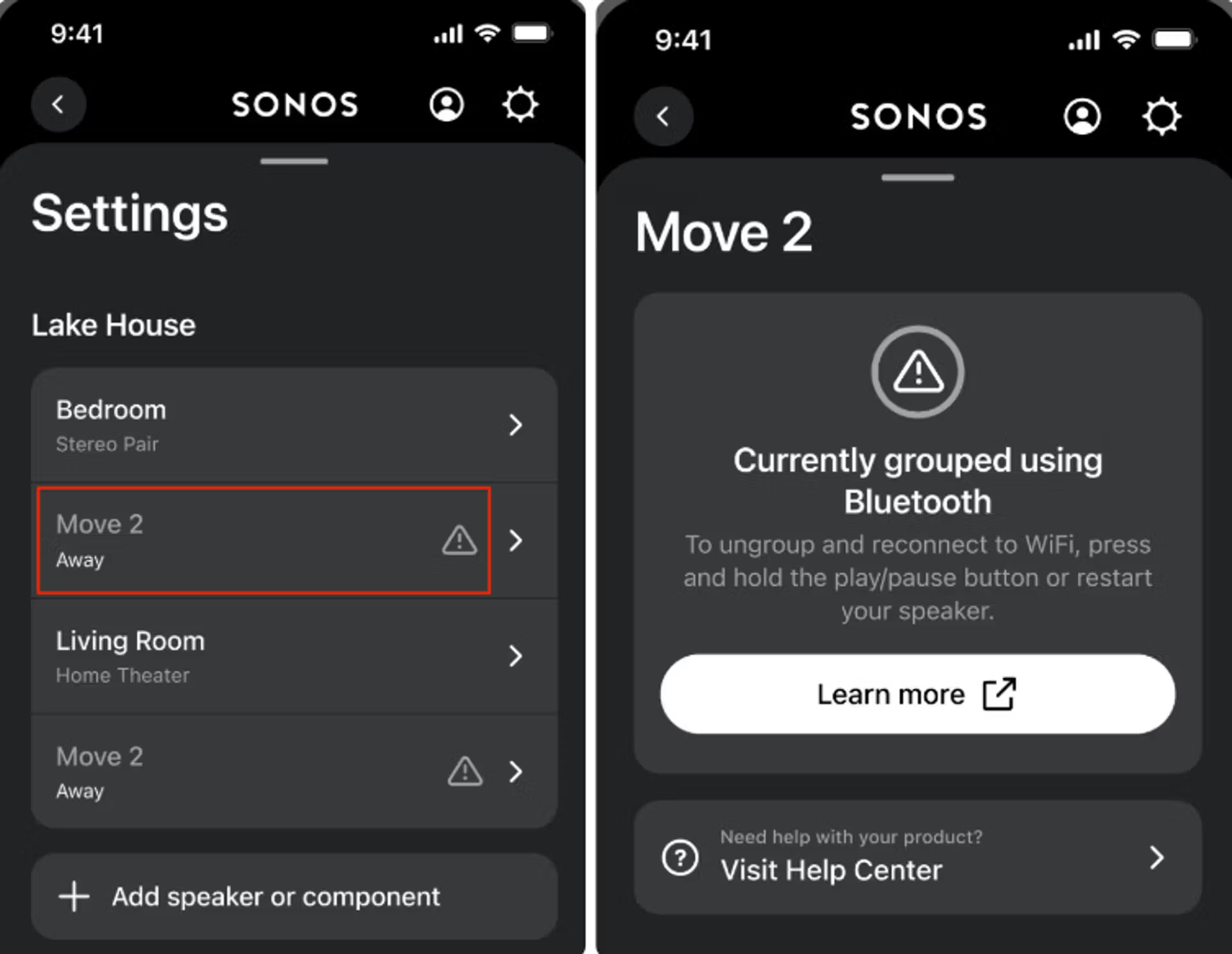
Bringing “Away” speakers back online
Speakers in this Away state cannot interact with the rest of the Sonos system even if the controller is connected to WiFi, and will remain in the group formed using Bluetooth until the group is disbanded.
You can do this by:
- Performing a long press of the play/pause button on the speaker that originally formed the group
- Performing a long press of the play/pause button on each group member individually
- Entering sleep mode
- Powering off products
- Disabling Bluetooth


Once portable products have been ungrouped and returned back home, they are able to rejoin the Sonos system on WiFi.


