Play Line-in on your Sonos Amp Multi
This article will guide you through setting up line-in on your Sonos Amp Multi. Line-in allows you to connect a device that has an audio output (such as a CD player or turntable) to play out of your Sonos system.
Before you start
- Make sure you have the right cable. If the source you want to play from has an 1/8" (3.5 mm) output, you’ll need an 1/8" (3.5 mm) to RCA audio cable (not included). If the source has RCA outputs, like a CD player, you’ll need an RCA cable (not included).
- Check if your source device requires a preamp. For example, some turntables do not have a built-in phono preamp and you will need to connect your turntable to an external preamp before connecting the preamp to Sonos.
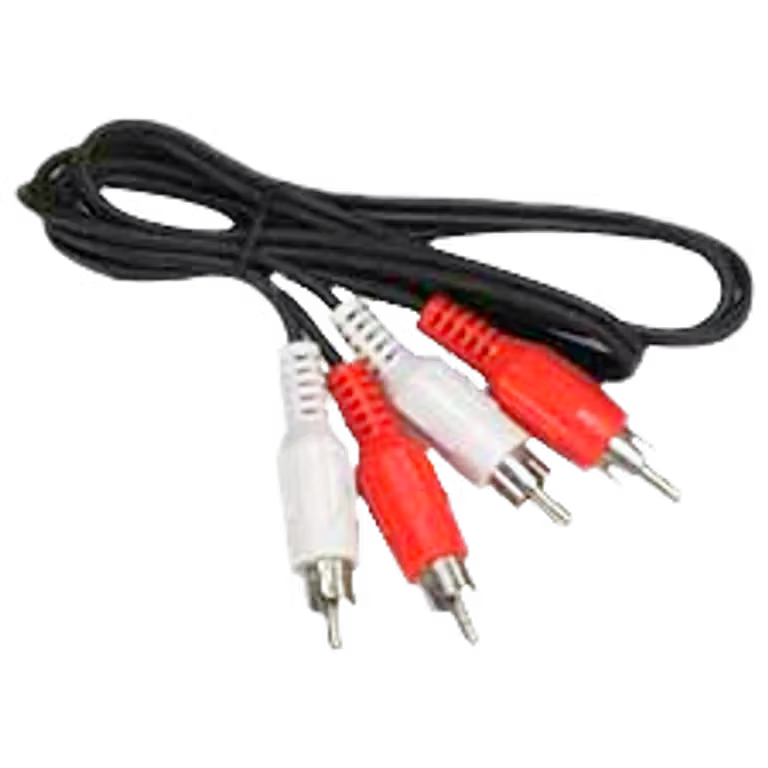
RCA
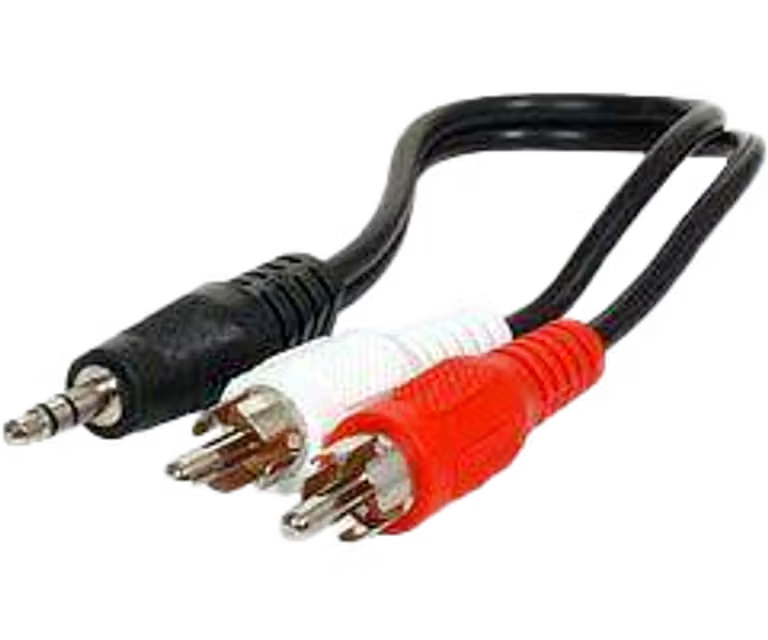
RCA to ⅛” (3.5 mm)
Attach audio cable
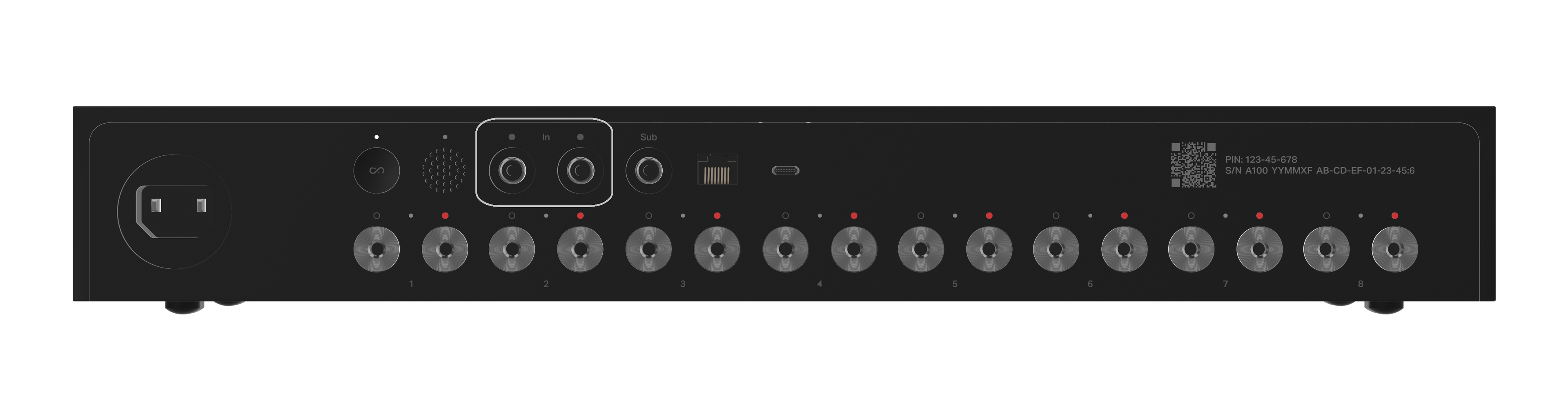
- Plug the RCA end of the cable into the corresponding inputs labeled IN on the back of your Amp Multi.
- Depending on the outputs of your source device, plug the RCA or 1/8" (3.5 mm) end of the cable into the corresponding output on your source device or preamp.
Start playback
- Start playing something from your source device.
- Open the Sonos app for iOS or Android.
- On your Home screen, select Line-In under Your Sources.
- If you’re using the Sonos S1 Controller app, go to the Browse tab and select Line-In.
- Select the source device to start playback through Sonos.


You can also enable Autoplay on Amp Multi to automatically play your line-in source when Sonos detects a signal. See our article on using line-in for more information on line-in settings.


