Get started with your Amp Multi

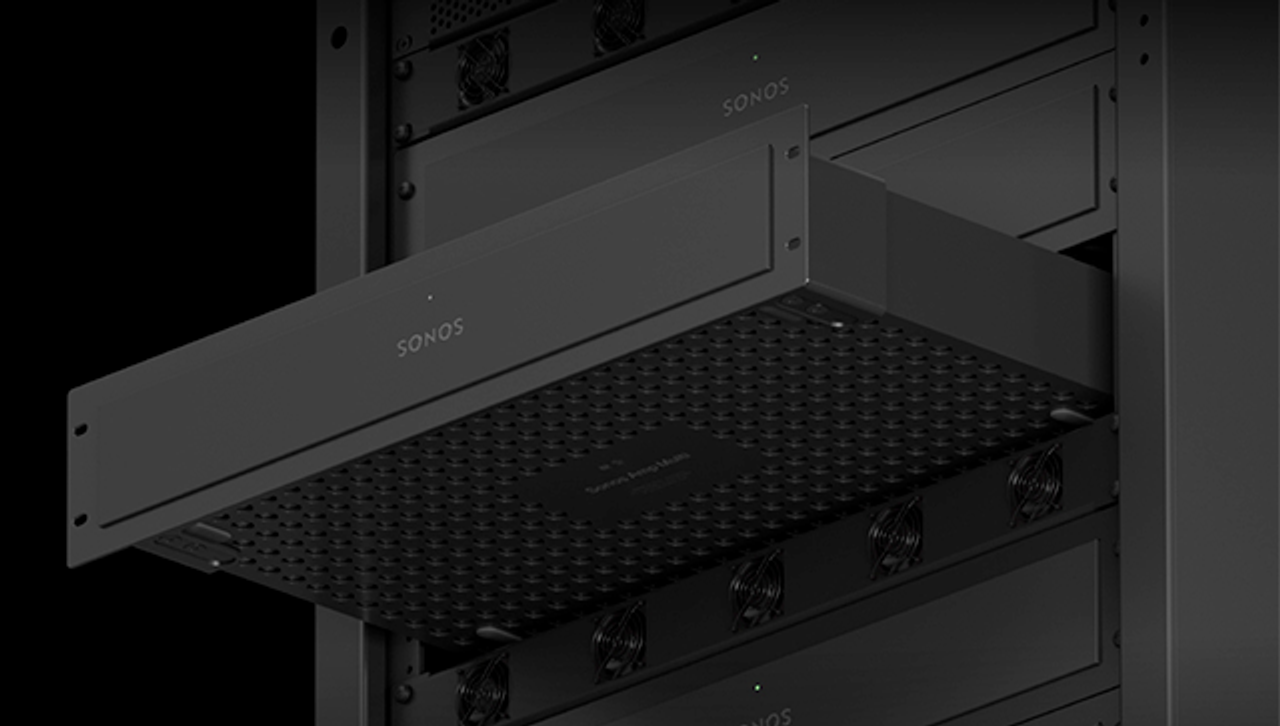
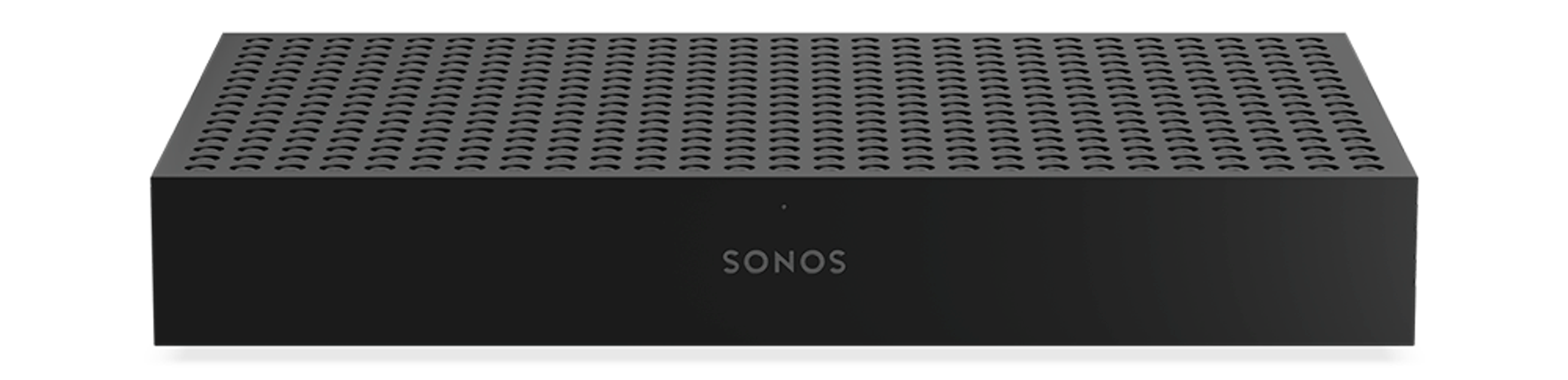
Front panel of Amp Multi

Get to know Amp Multi’s LEDs

Understand the different colors and patterns displayed on Amp Multi’s status and speaker connection lights.

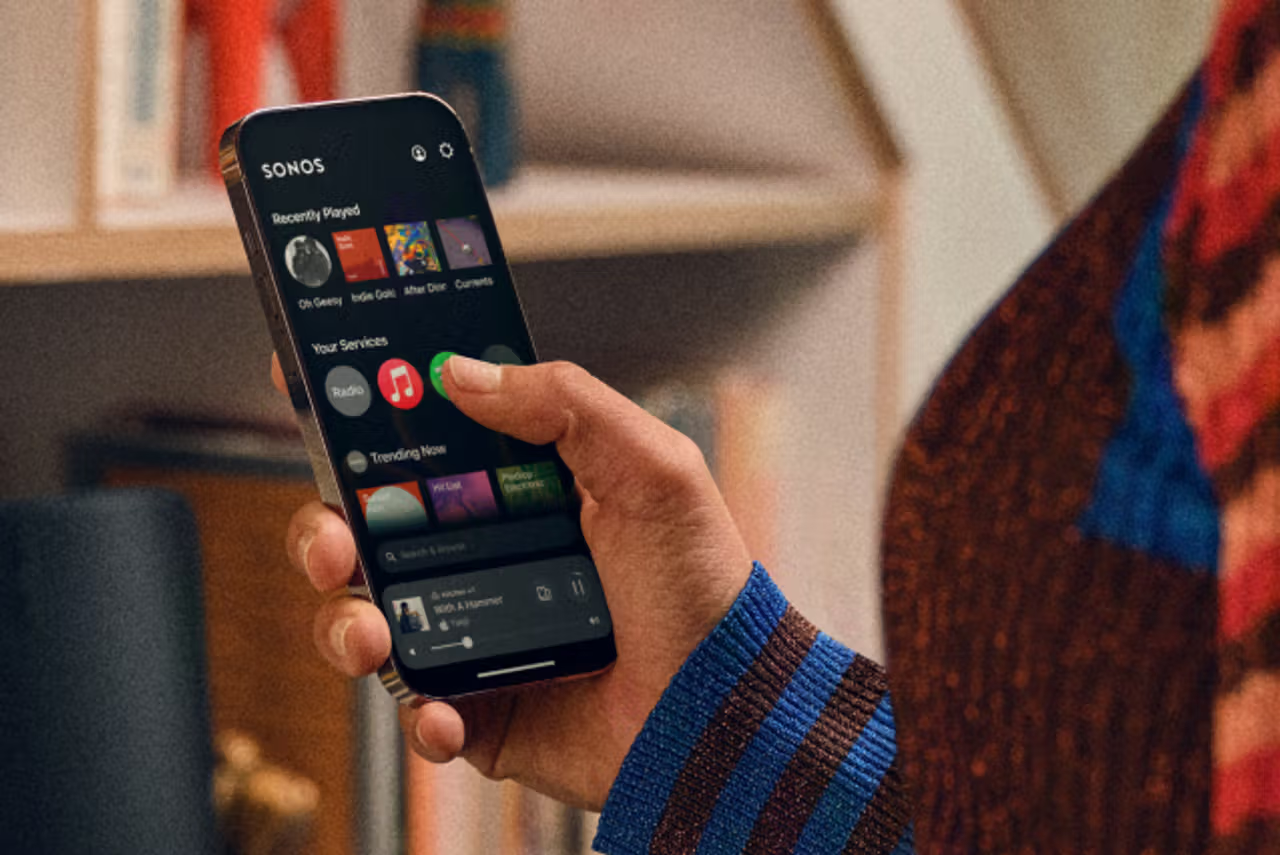
Add music services

Start listening to your favorite music services on your Amp Multi.

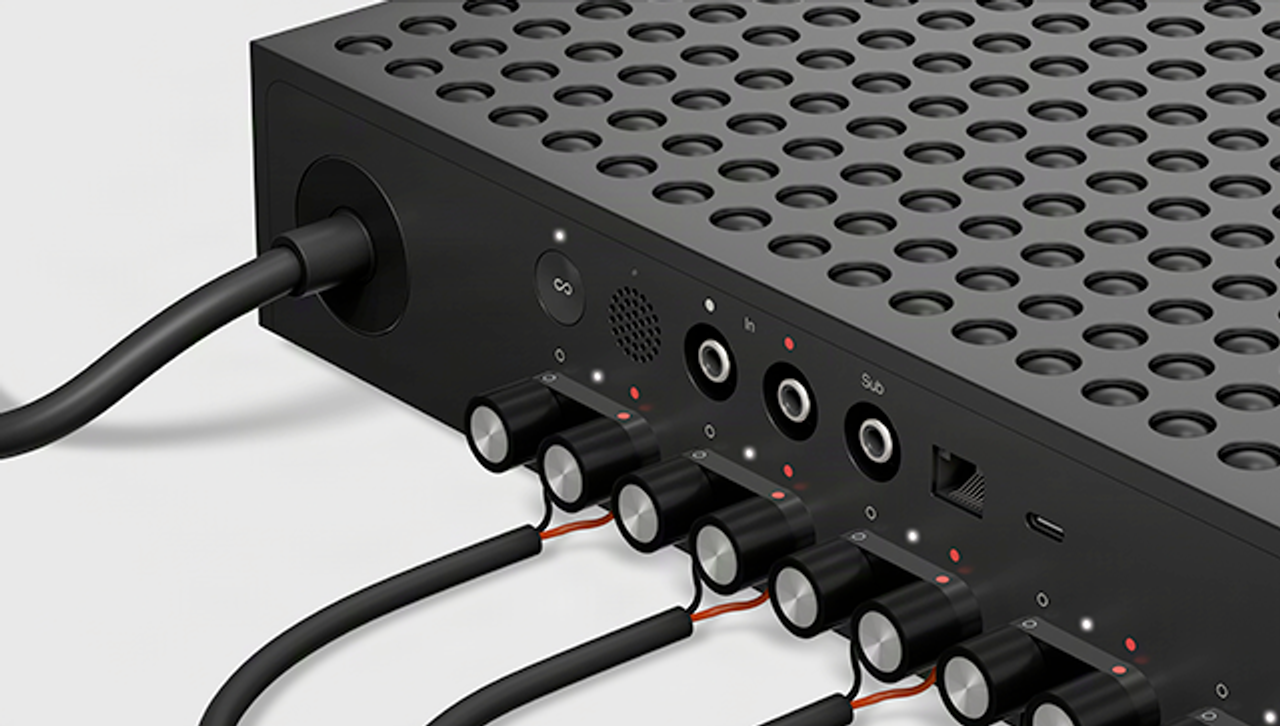
Rear inputs of Amp Multi

Listen to Line-In audio

Connect an audio device to your Amp Multi using the Line-In port.

Fix an issue with Amp Multi

Audio cuts in and out or stops abruptly

Audio interruptions can have a number of potential causes. Our topic page will help you narrow down and fix the problem.

Get support from your installer

For all issues regarding your Amp Multi, your professionally trained installer is equipped and ready to help.

Still need help?

Our technicians can help over the phone or with a live chat. You can also ask questions and find answers with other Sonos owners in our Sonos Community.