Replacing the battery in your Sonos Play
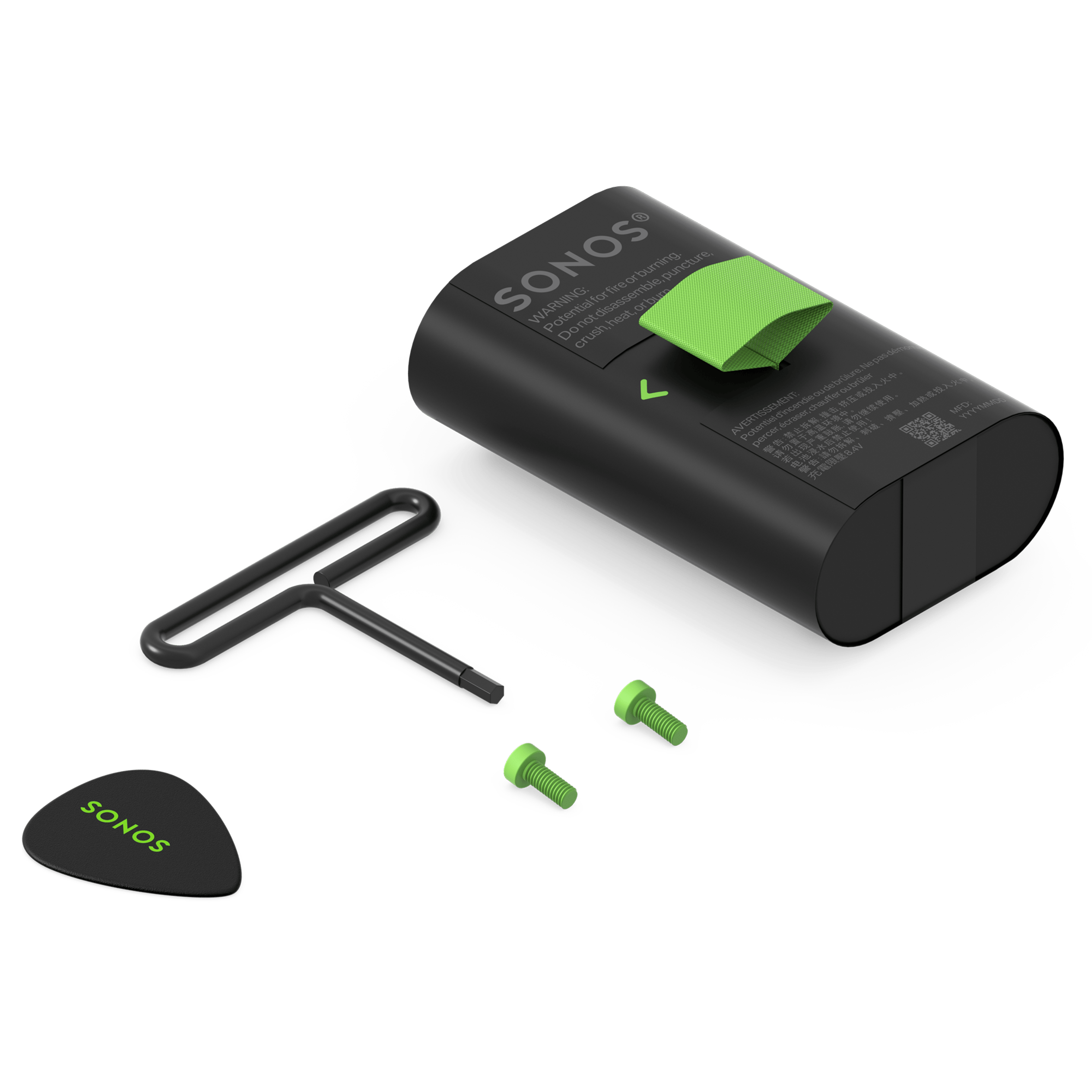
You can replace the rechargeable battery in your Sonos Play using the Replacement Battery Kit. The kit includes a battery as well as the tools and instructions needed to install it.
Install the new battery
Before installing the new battery, make sure your Play is fully powered off by pressing and holding the power button for at least ten seconds.
1.

Place your Play upside-down on a flat surface so the rubber end cap is facing up. Use the included Sonos pick to lift up both ends of the rubber cover on the bottom of the product.
2.

Use the included hex key to remove the two green screws located under the ends of the rubber cover.
3.

Use the ends of the rubber cover to lift off the whole battery cover and remove the old battery.
4.

Insert the replacement battery.
5.

Use the Sonos pick to lift both ends of the rubber cover on the replacement battery, then secure it in place using the hex key to seat and tighten the green screws.
6.

Push the edges of the rubber battery cover back into place. Once your new battery is secure, place Play on its charging dock to turn it on.
Recycle your old battery
You can drop off your battery at any certified e-recycling facility to be recycled.


