Error when connecting Sonos home theater product to TV
This article includes common errors you may encounter when setting up your Sonos home theater product and some links to helpful troubleshooting guides to resolve them.
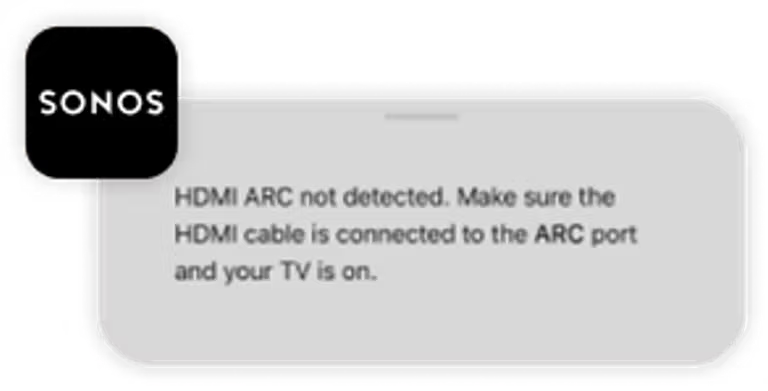
HDMI ARC not detected
This error occurs when Sonos did not detect an audio signal from your TV via the HDMI cable. Make sure your Sonos home theater product is connected to your TV’s HDMI ARC port and your TV is powered on and playing a TV show or movie. See our article about Sonos home theater products not outputting sound for more help.
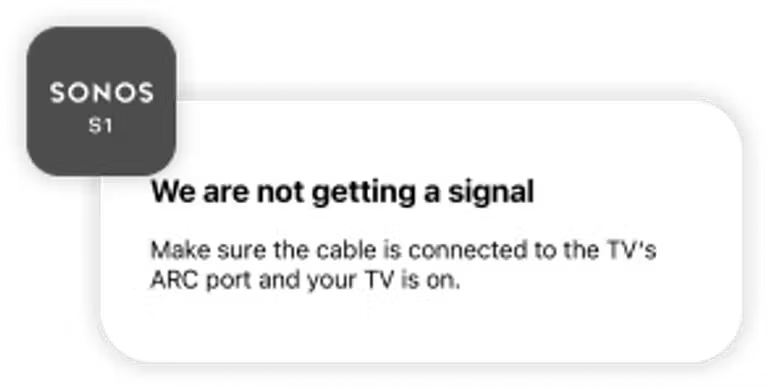
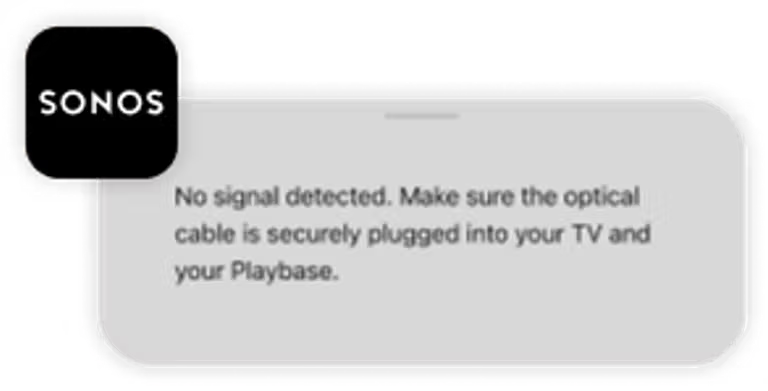
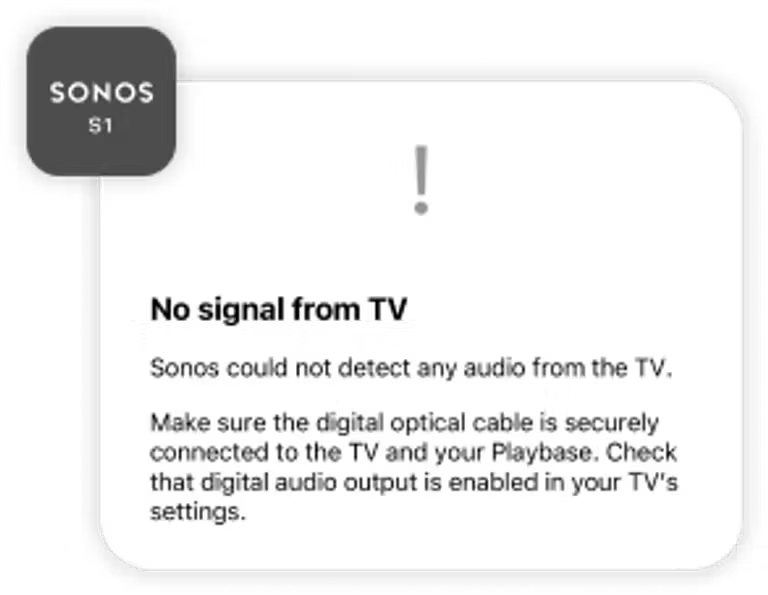
No signal from TV detected
This error occurs when Sonos did not detect an audio signal from your TV via the optical cable or optical adapter. Make sure your Sonos home theater product is connected to the TV’s digital optical port, and that your TV is powered on and playing a TV show or movie. See our article about Sonos home theater products not outputting sound for more help.
TV remote not detected
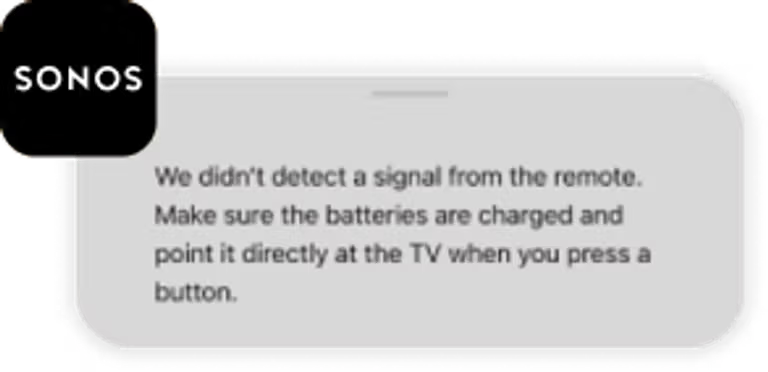
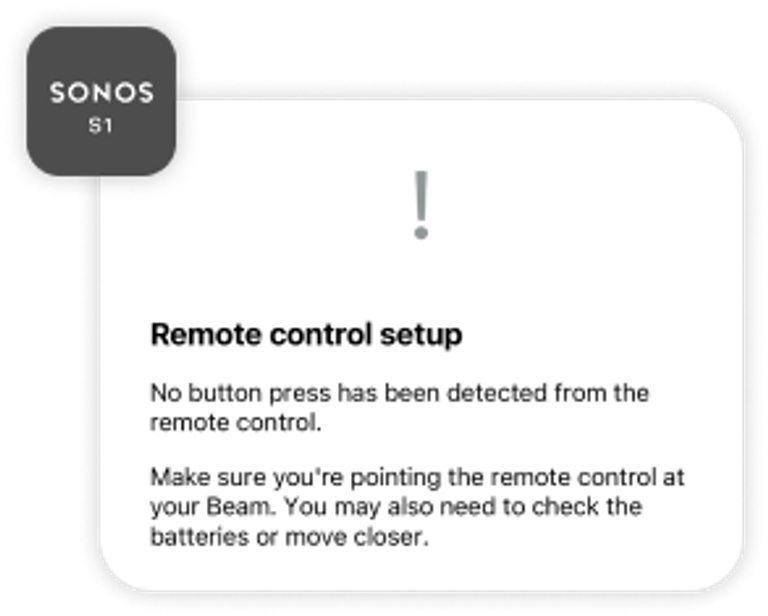
The errors below mean your Sonos home theater product did not detect your TV remote. Make sure your remote meets our TV remote requirements and see our TV remote not detected by Sonos article for more help.