Sonos Playのバッテリーを交換する

Sonos Playの充電式バッテリーは、 交換用バッテリーキット を使って交換できます。このキットにはバッテリーのほか、取り付けに必要な工具と説明書が含まれています。

​

新しいバッテリーを取り付ける

新しいバッテリーを取り付ける前に、Playの電源が 完全にオフになっていることを確認してください。電源ボタンを少なくとも10秒間押し続けてください。

​

​

1.

Sonos Play battery replacement step 1: locate the two release points on the underside of the speaker

Playを逆さまにして平らな場所に置き、ゴム製のエンドキャップが上を向くようにします。付属のSonosピックを使い、製品底面のゴムカバー両端を持ち上げます。

2.

Sonos Play battery replacement step 2: turn the torx wrench to loosen and remove two green screws under the rubber cover

付属の六角レンチを使い、ゴムカバーの端の下にある2本の緑色のネジを外します。

3.

Sonos Play battery replacement step 3: lift the base away and remove the old battery from the speaker

ゴムカバーの端を使ってバッテリーカバー全体を持ち上げ、古いバッテリーを取り外します。

4.

Sonos Play battery replacement step 4: lower the new battery into place and seat the base

交換用バッテリーを挿入します。

5.

Sonos Play battery replacement step 5: turn the torx wrench the other way to lock the base in place

Sonosピックを使って交換用バッテリーのゴムカバー両端を持ち上げ、六角レンチで緑色のネジを締めてしっかり固定します。

6.
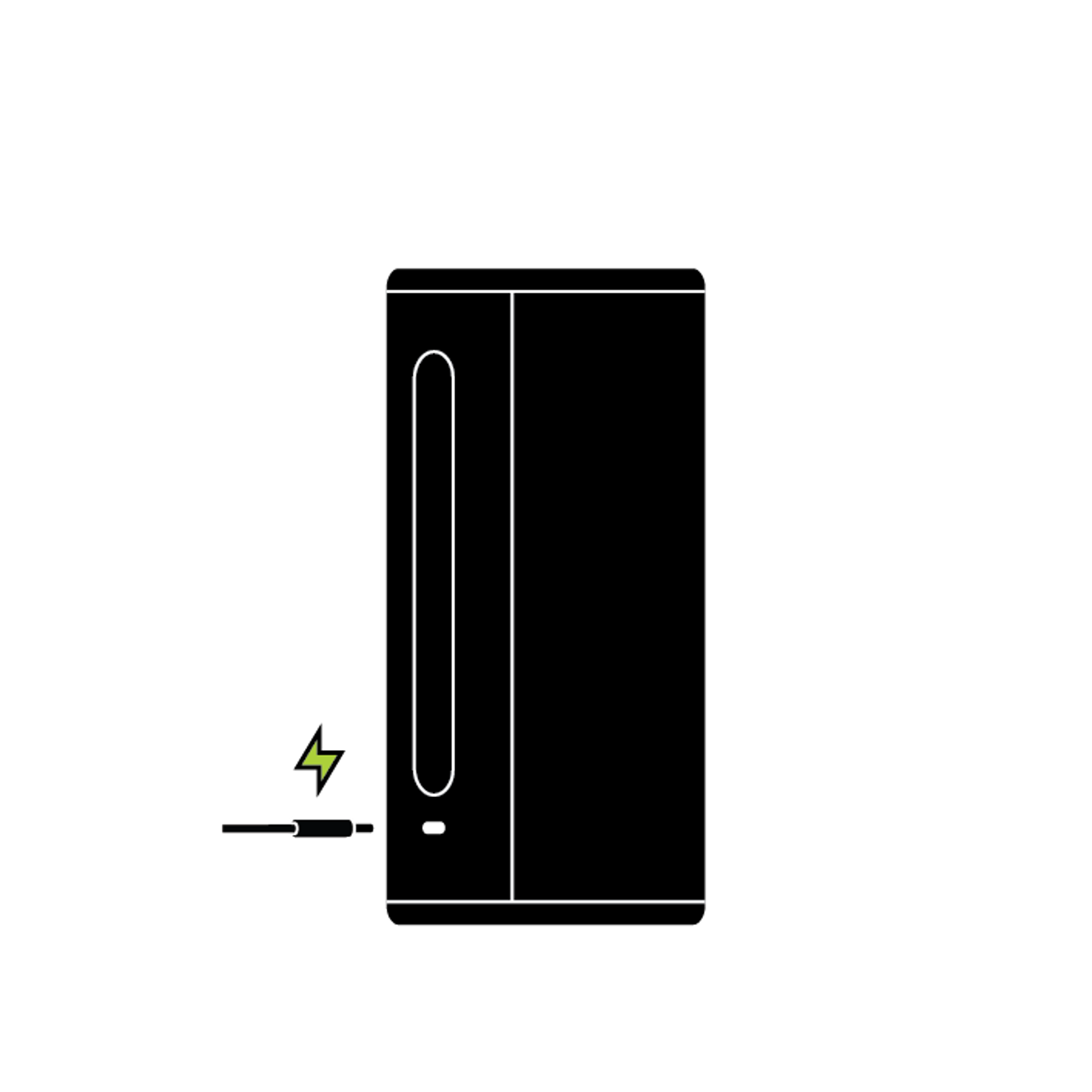
Sonos Play standing upright with power cable connected to recharge

ゴム製バッテリーカバーの端を元の位置に押し戻します。新しいバッテリーがしっかり固定されたら、Playを充電ドックに置いて電源を入れてください。

​

古いバッテリーをリサイクルする

バッテリーは、どの 認定された電子リサイクル施設でもリサイクルできます。

お客様サポート

技術担当者がお電話やライブチャットでお客様をサポートします。他のSonosユーザーに質問したり、回答を検索できるSonosコミュニティもご利用ください。