更换您的Sonos Play电池

您可以使用 更换电池套件 为您的Sonos Play更换可充电电池。该套件包含电池以及安装所需的工具和说明。

​

安装新电池

在安装新电池之前,请确保您的Play已 完全关机,方法是按住电源按钮至少十秒钟。

​

​

1.

Sonos Play battery replacement step 1: locate the two release points on the underside of the speaker

将您的Play倒置放在平坦的表面上,使橡胶端盖朝上。使用随附的Sonos撬片撬起产品底部橡胶盖的两端。

2.

Sonos Play battery replacement step 2: turn the torx wrench to loosen and remove two green screws under the rubber cover

使用随附的六角扳手卸下橡胶盖两端下方的两颗绿色螺丝。

3.

Sonos Play battery replacement step 3: lift the base away and remove the old battery from the speaker

利用橡胶盖的两端抬起整个电池盖并取出旧电池。

4.

Sonos Play battery replacement step 4: lower the new battery into place and seat the base

插入替换电池。

5.

Sonos Play battery replacement step 5: turn the torx wrench the other way to lock the base in place

使用Sonos拨片抬起替换电池橡胶盖的两端,然后用六角扳手将绿色螺丝固定并拧紧,确保电池安装到位。

6.
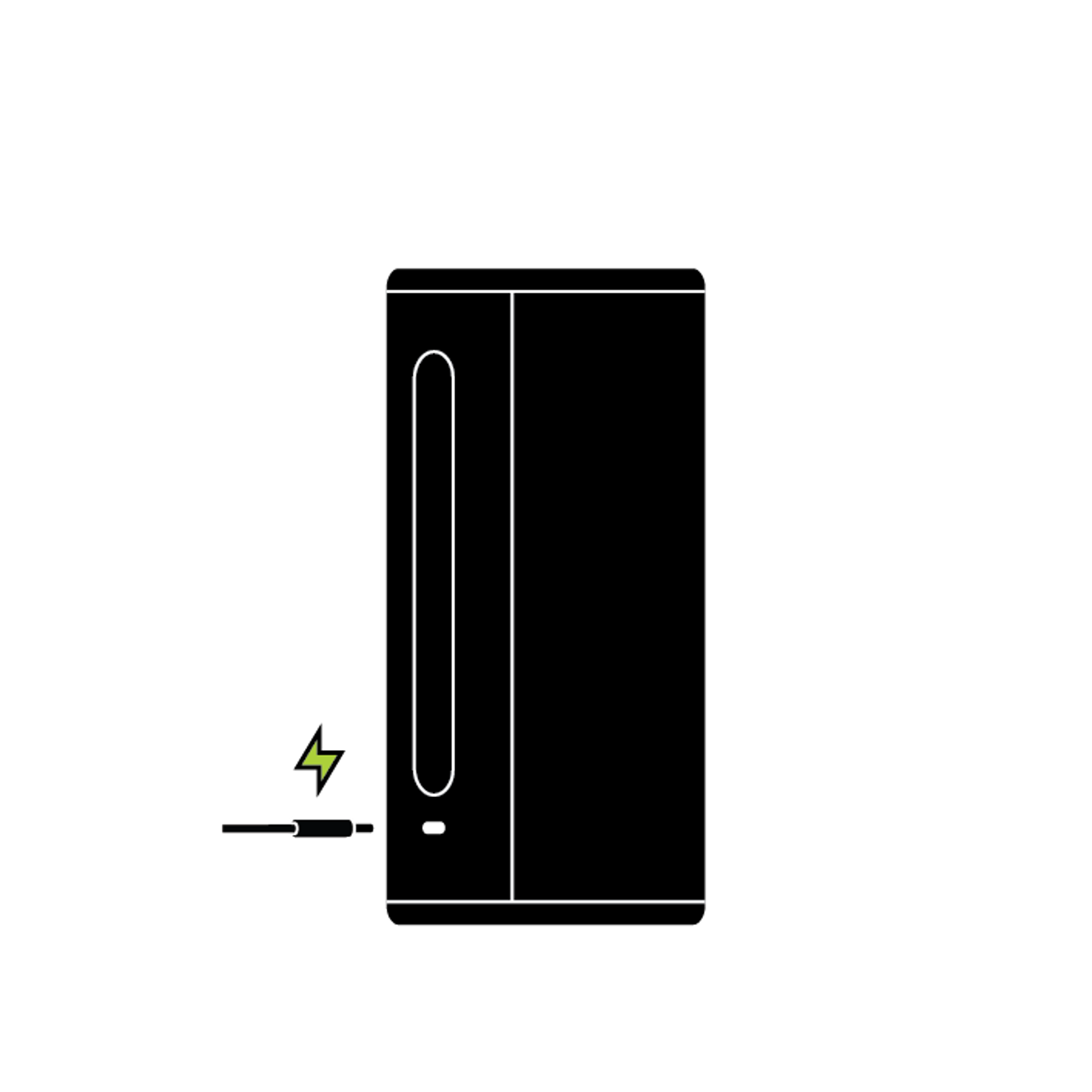
Sonos Play standing upright with power cable connected to recharge

将橡胶电池盖的边缘按回原位。新电池安装好后,将Play放回充电底座即可开机。

​

回收您的旧电池

您可以将电池送到任何 认证的电子回收设施进行回收。

仍需要帮助?

我们的技术人员可以通过电话或实时聊天提供帮助。您还可以在我们的Sonos社区中向其他Sonos所有者提问并找到答案。