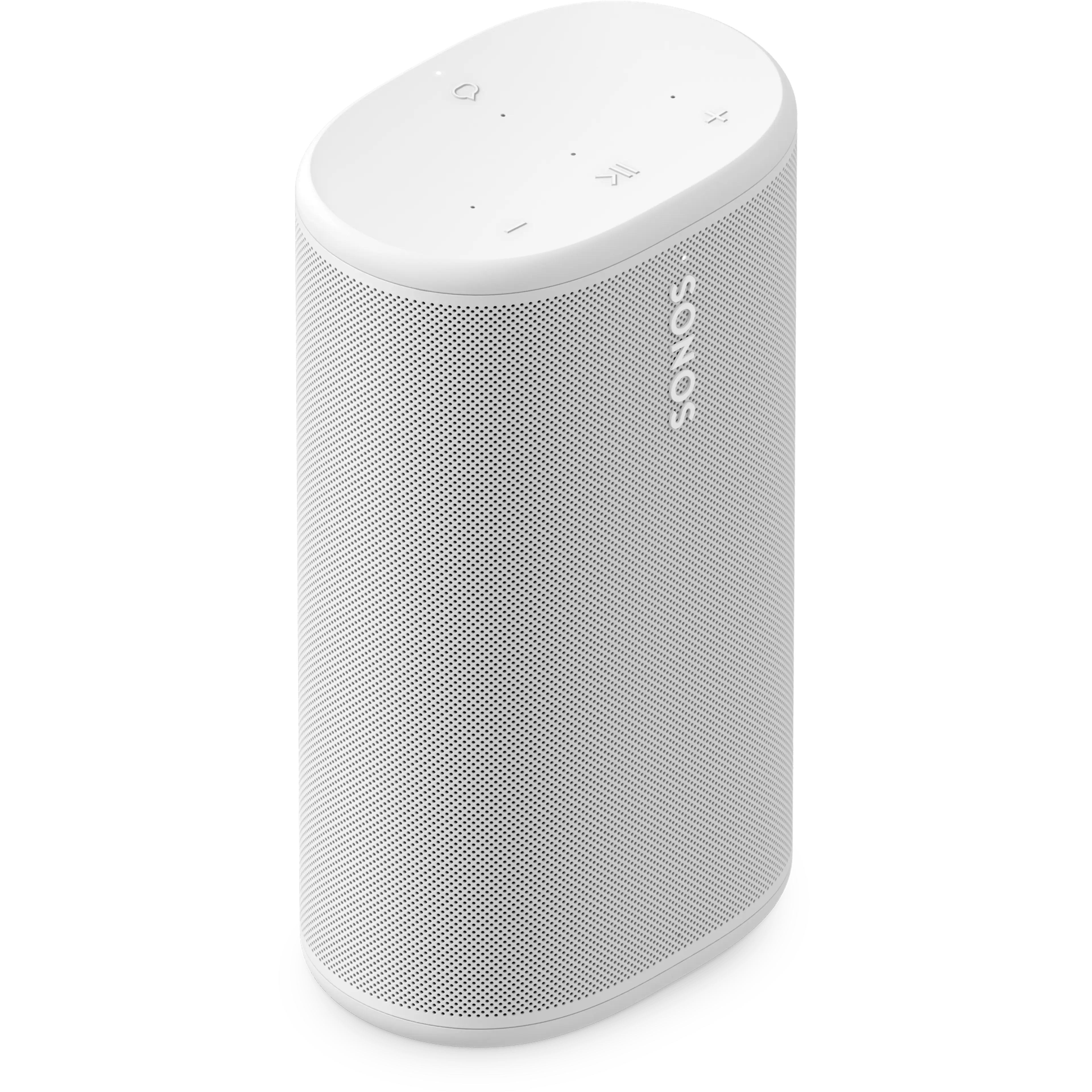
Get started with your Play

Set up your Sonos Play

Learn how to set up your Sonos Play using the Sonos app for iOS or Android.

Pair your Play with Bluetooth

Stream audio to your Play from your phone, tablet, or other Bluetooth-enabled device.

Charge your Sonos Play

Keep your Play's battery charged using the charging dock or a USB-C PD charger.

Grouping your portable speakers over Bluetooth

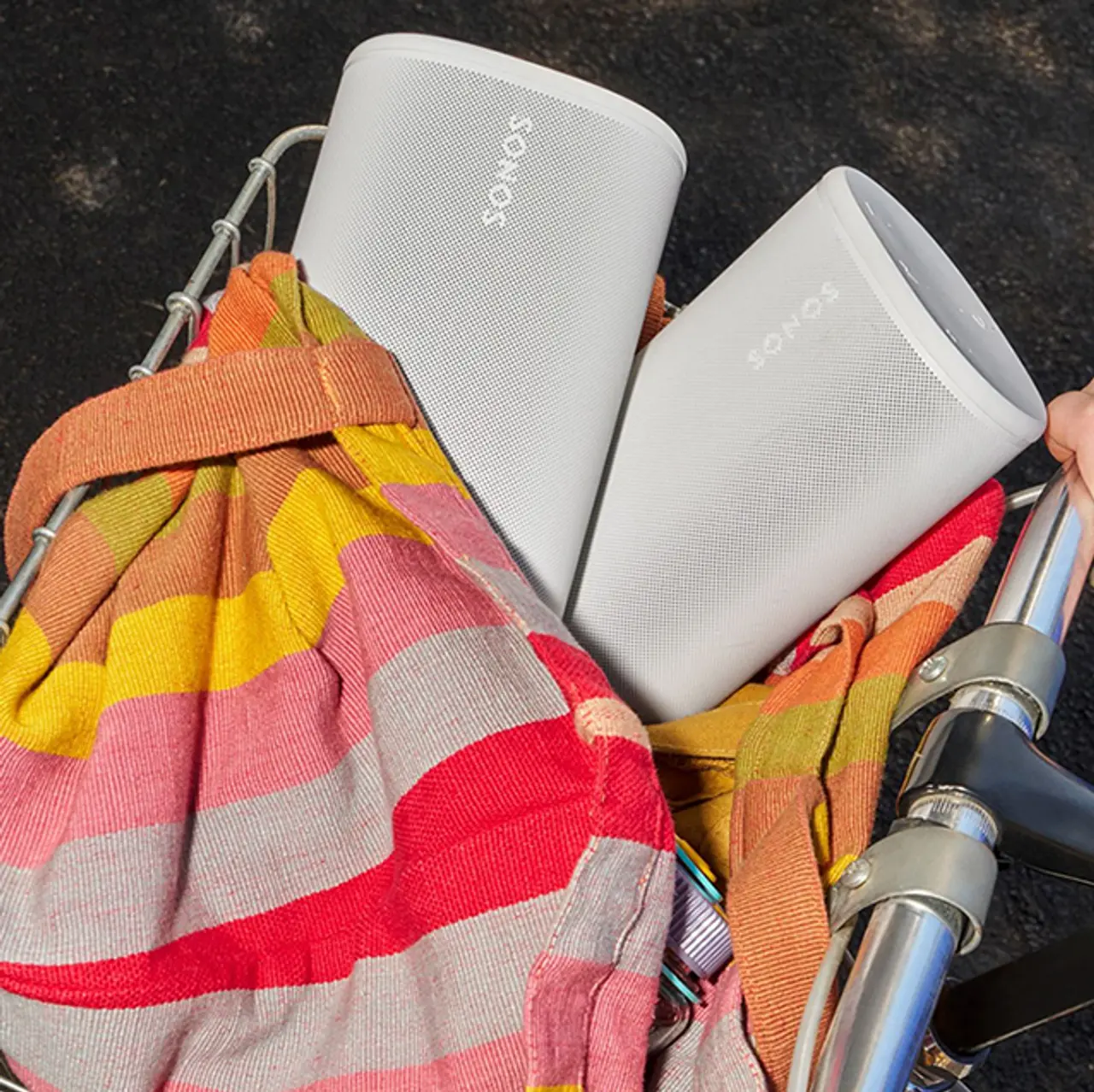
Use Bluetooth to group up to four Move 2s or Plays together while away from your home's WiFi.

Read the article

Easily replace Play's battery

Learn how to swap out Play's battery for a new one using our Replacement Battery Kit.
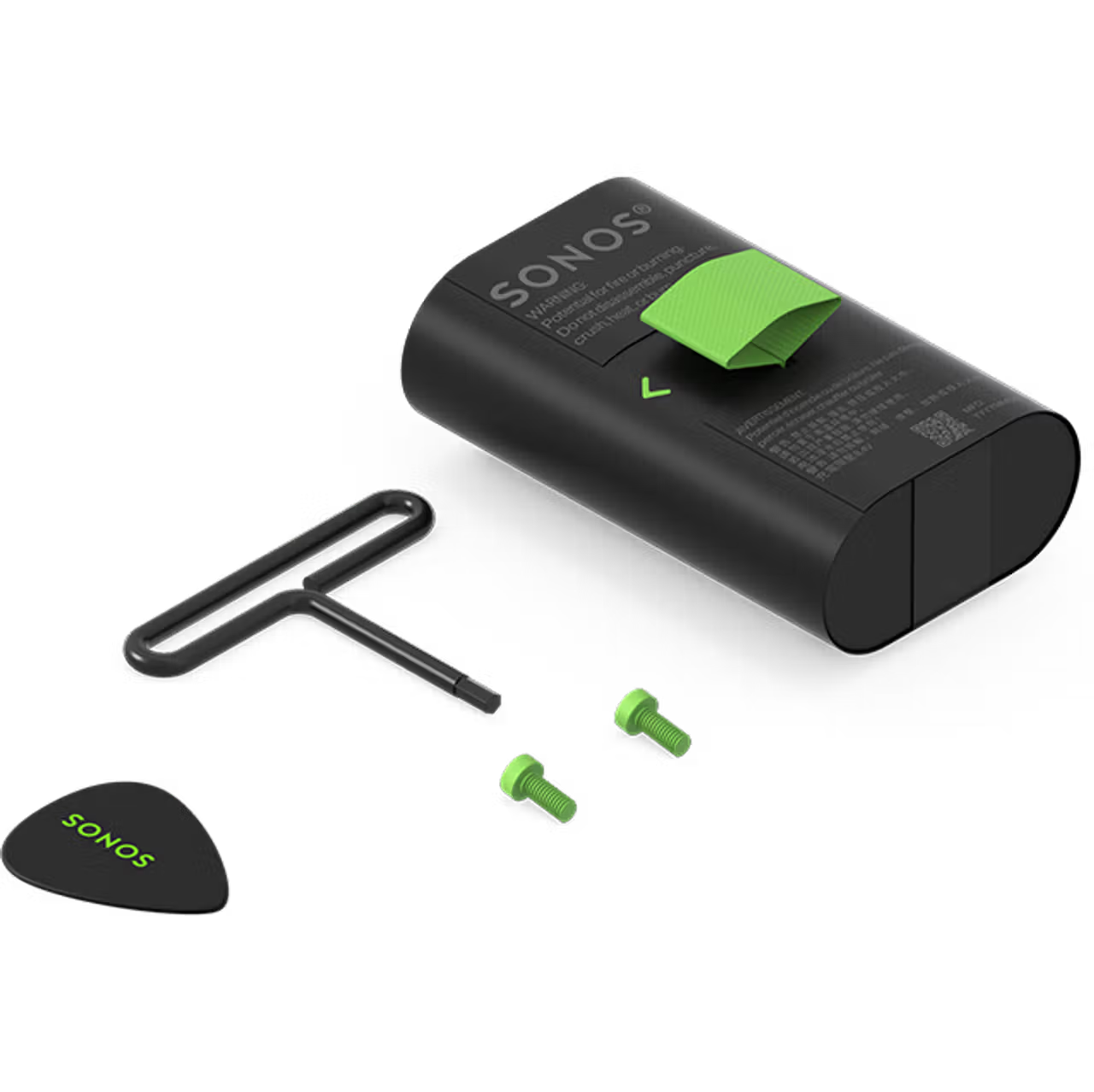
Read the article

Fix an issue with Sonos Play

Sonos app can't find Sonos Play during setup

Learn about what to do if your Sonos Play isn’t discovered during the setup process in the Sonos app.

Audio cuts in and out or stops abruptly

Audio interruptions can have a number of potential causes. Our topic page will help you narrow down and fix the problem.

Sonos Play is missing from the System view in the Sonos app

Sonos products can drop from the app if they’re experiencing network or connection issues. Learn how to reconnect your Sonos Play and prevent it from dropping in the future.

Sonos Play can’t pair with a Bluetooth device

Get help with connection errors when trying to connect your Sonos Play to a Bluetooth device.

Still need help?

Our technicians can help over the phone or with a live chat. You can also ask questions and find answers with other Sonos owners in our Sonos Community.