Use Line-In on Sonos
This article provides information about line-in and how to use it on your Sonos system. Line-in is an audio input available on some Sonos products that allows you to connect a device with an audio output (such as a CD player or turntable) to play out of your Sonos system.
Standard Line-In connections are rated at 16-bit/44.1KHz. Additionally, the Sonos Line-in Adapter, Combo Adapter, and Ace Aux Cable also convert analog audio to 16-bit/44.1KHz.
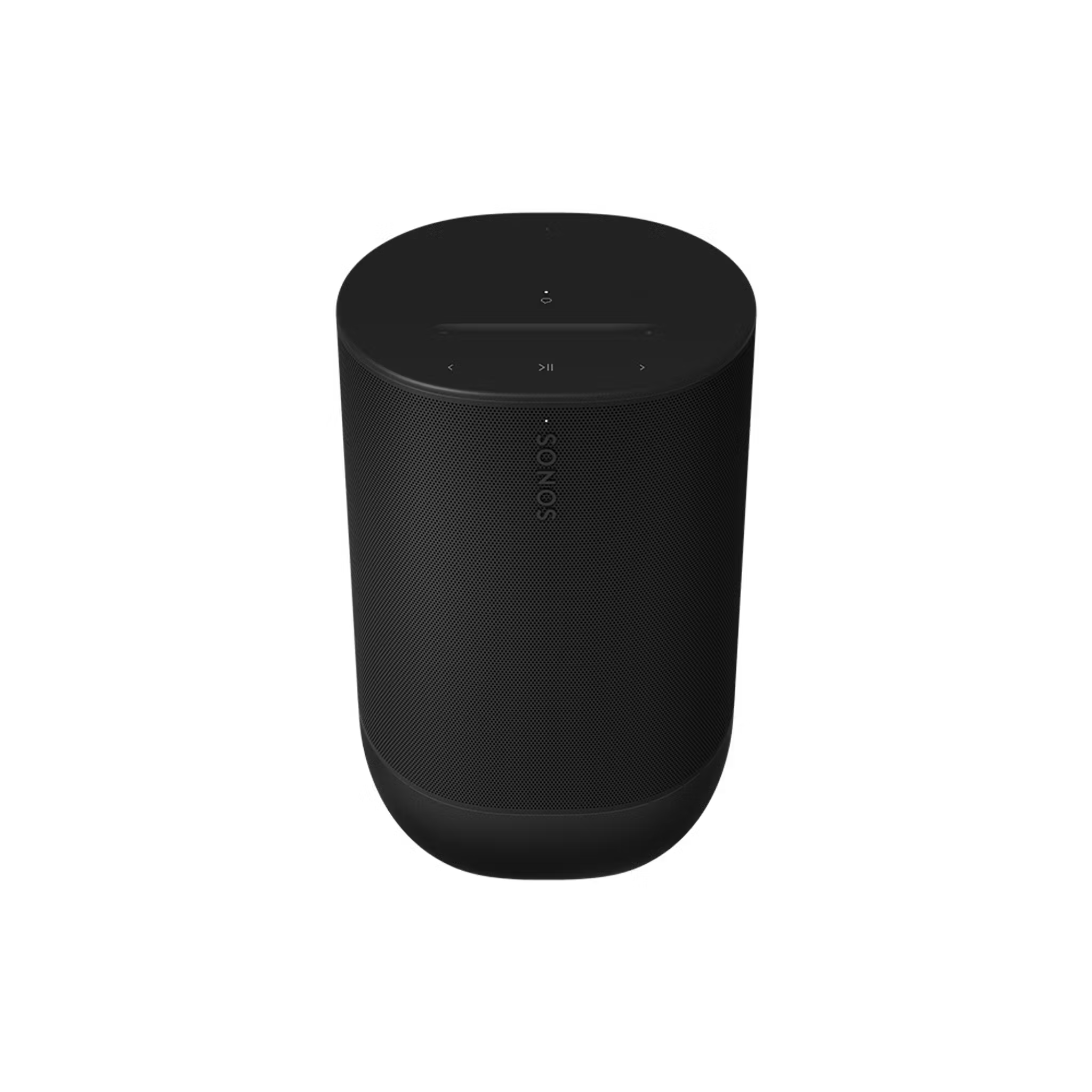
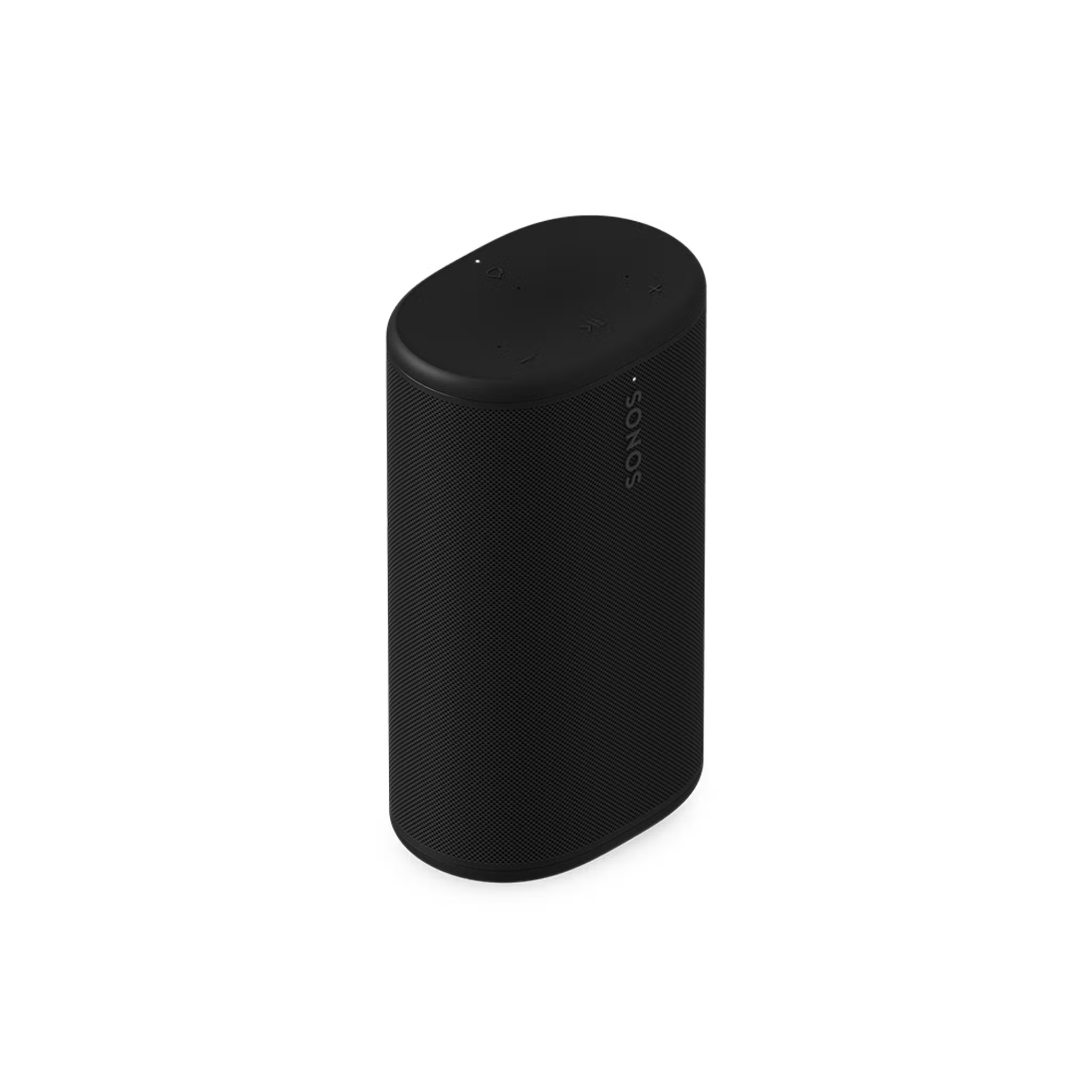
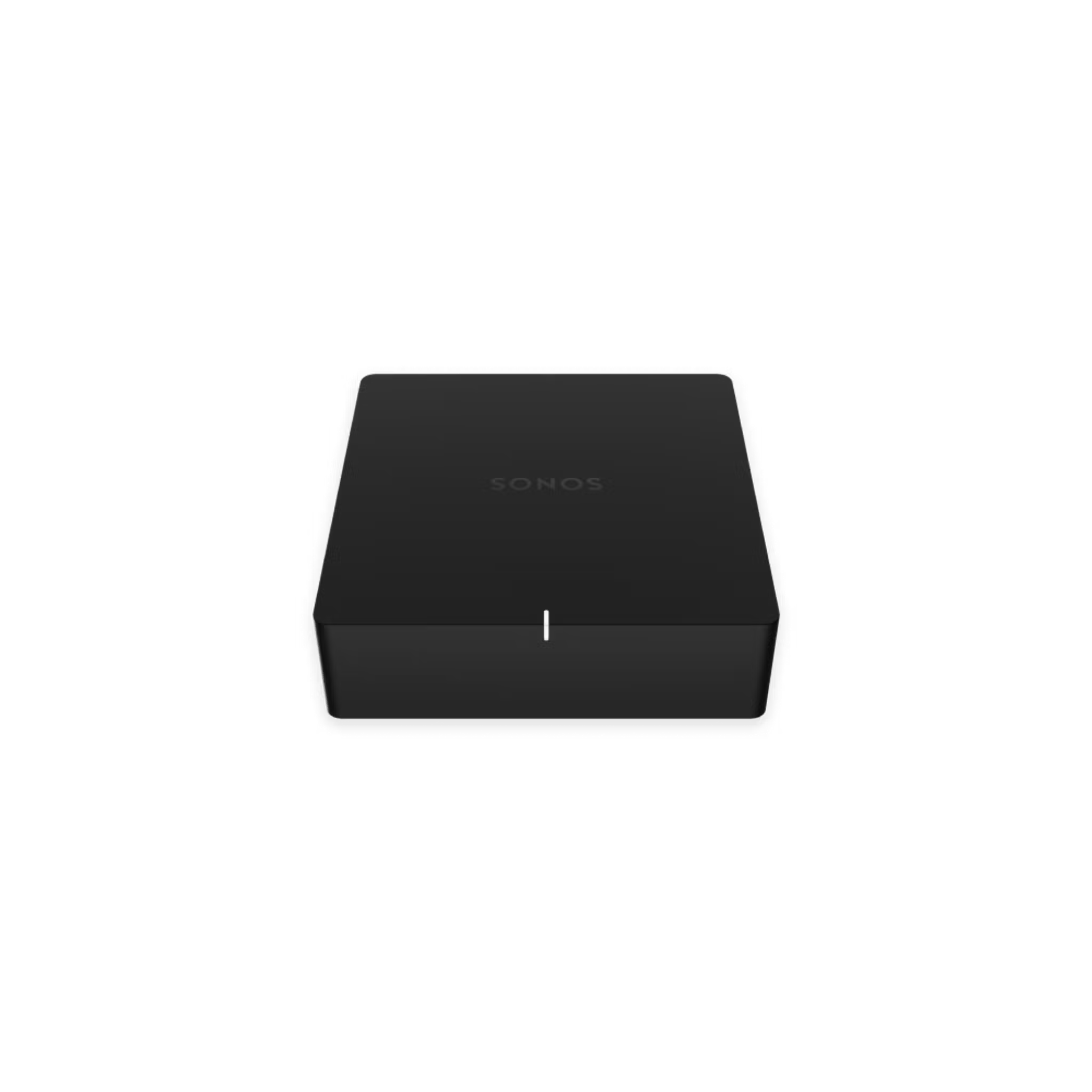
Sonos products with a line-in port
Choose the Sonos product you’d like to use with line-in from the options below:
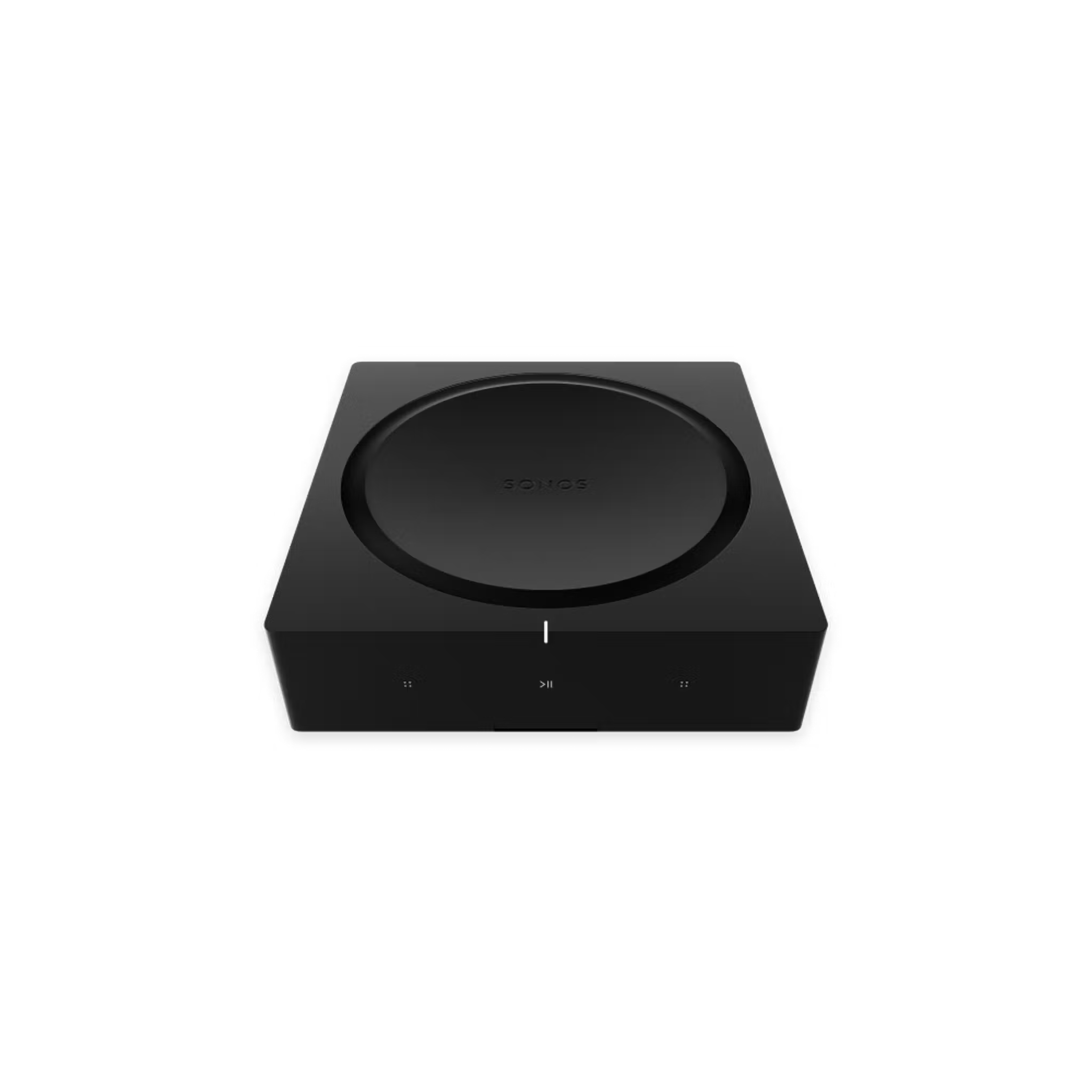
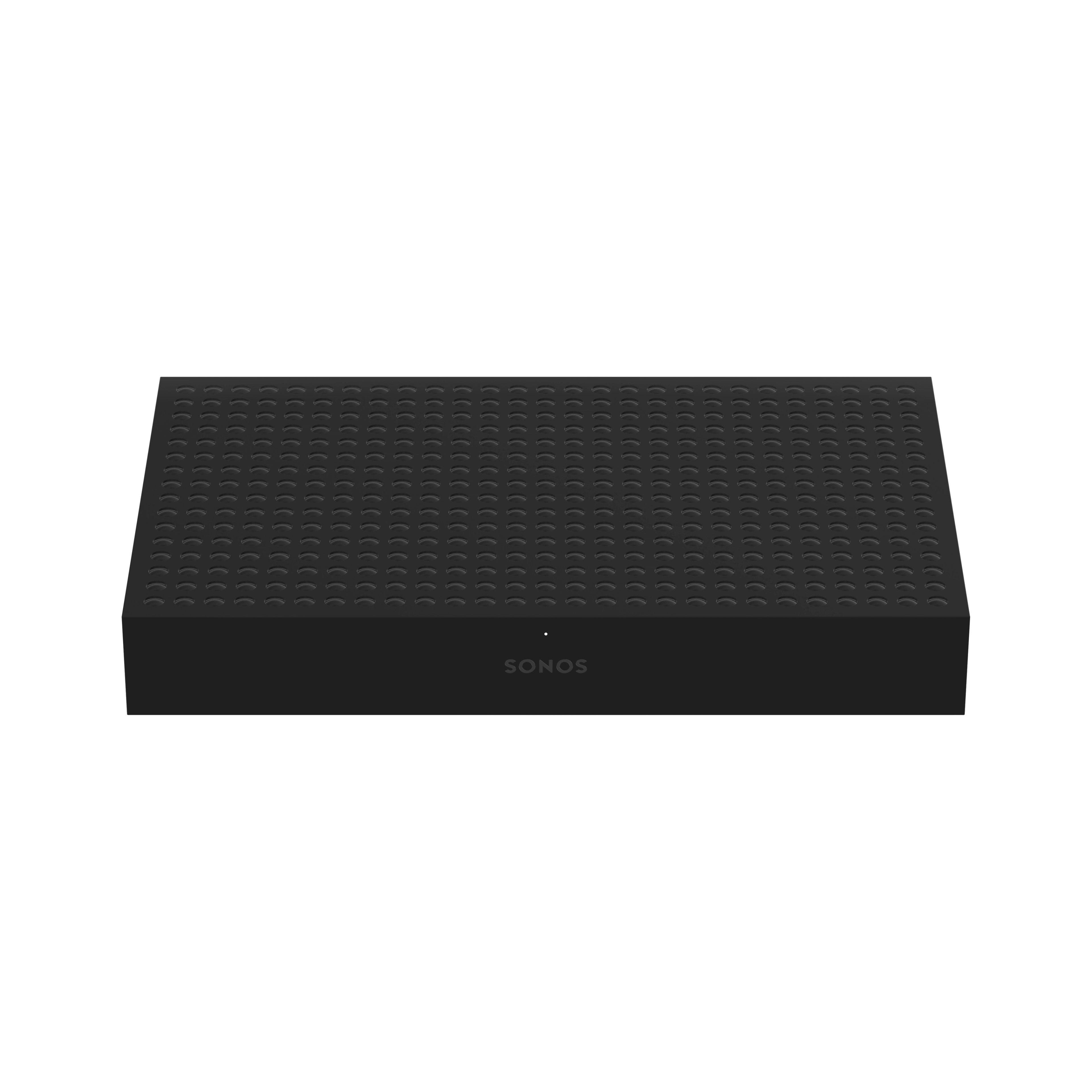
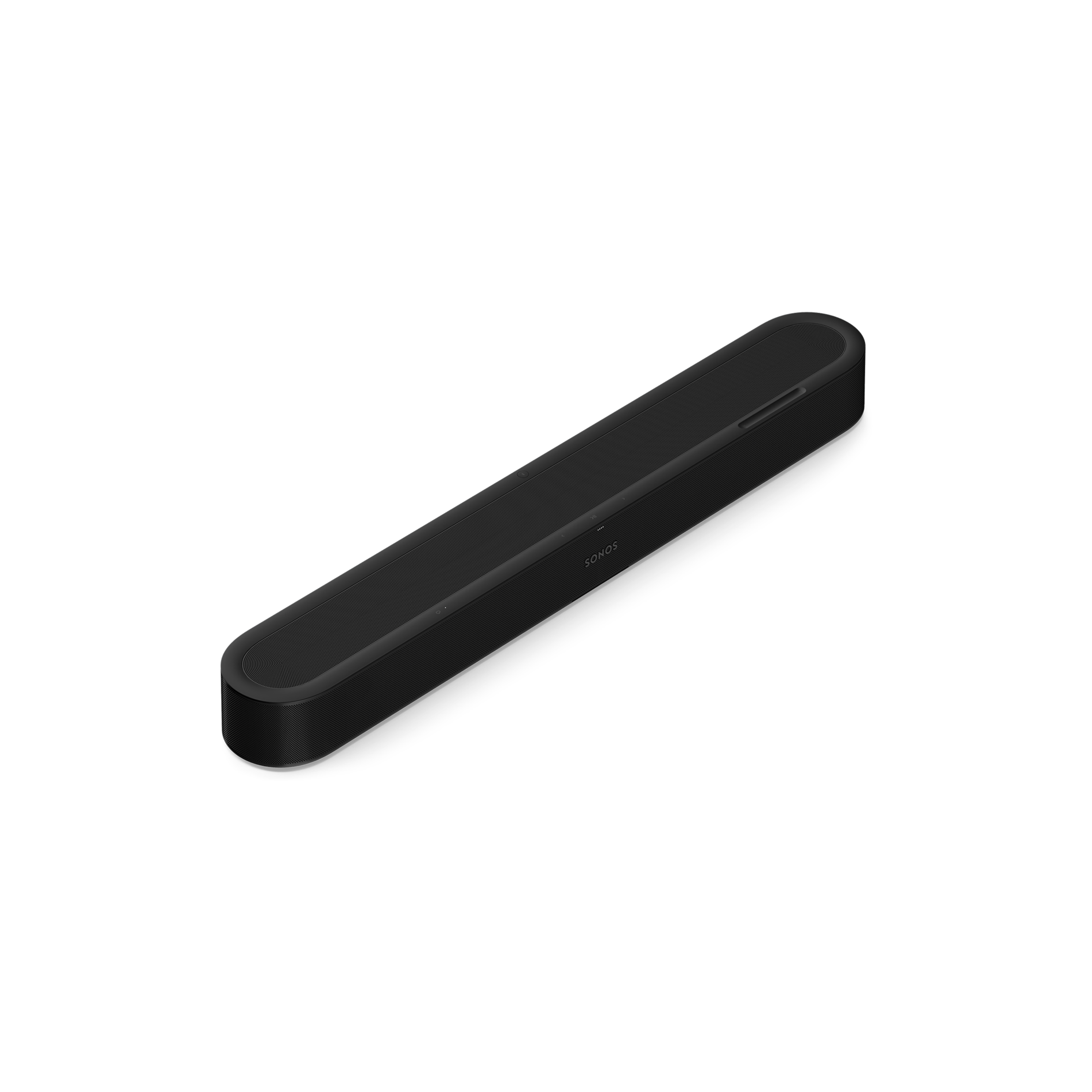
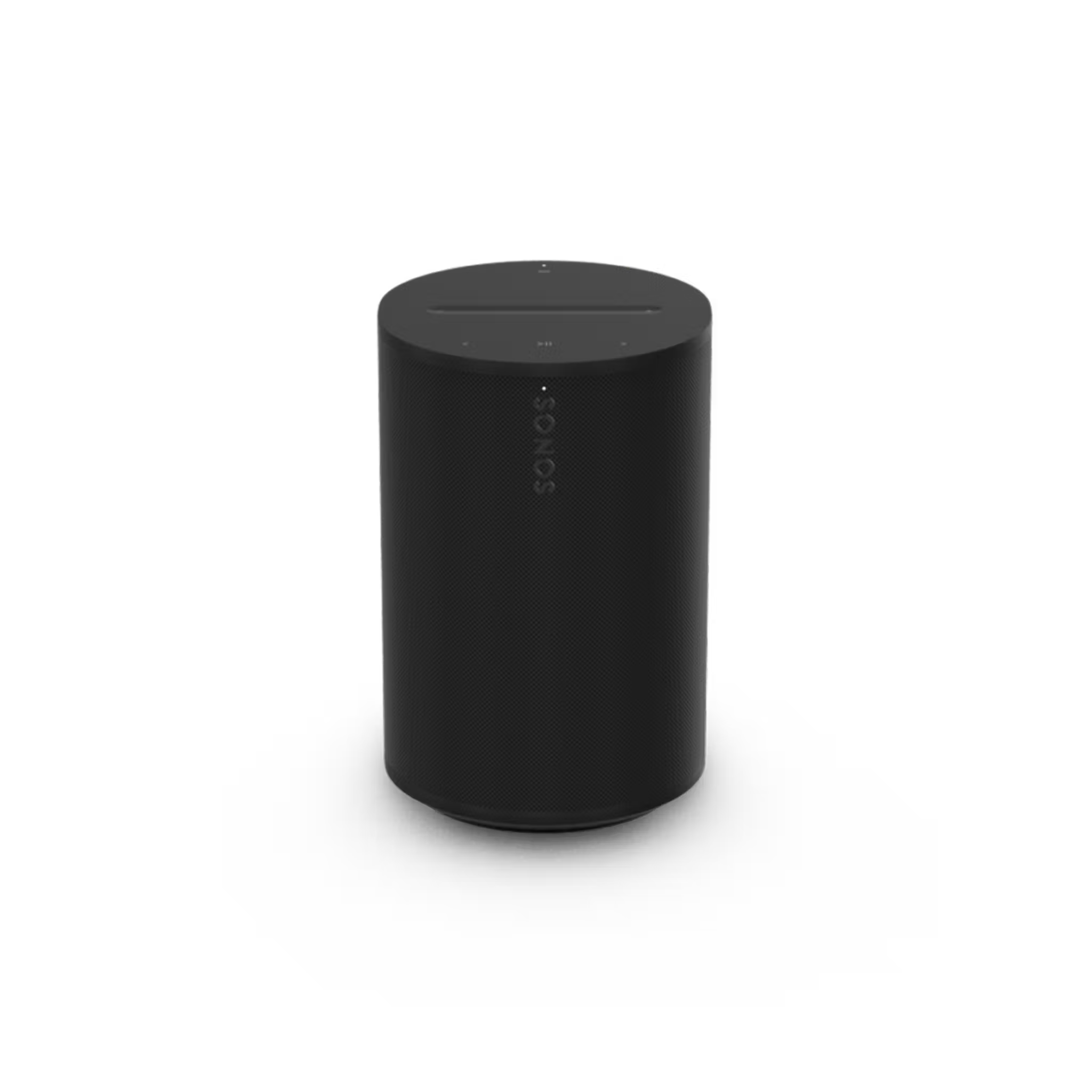
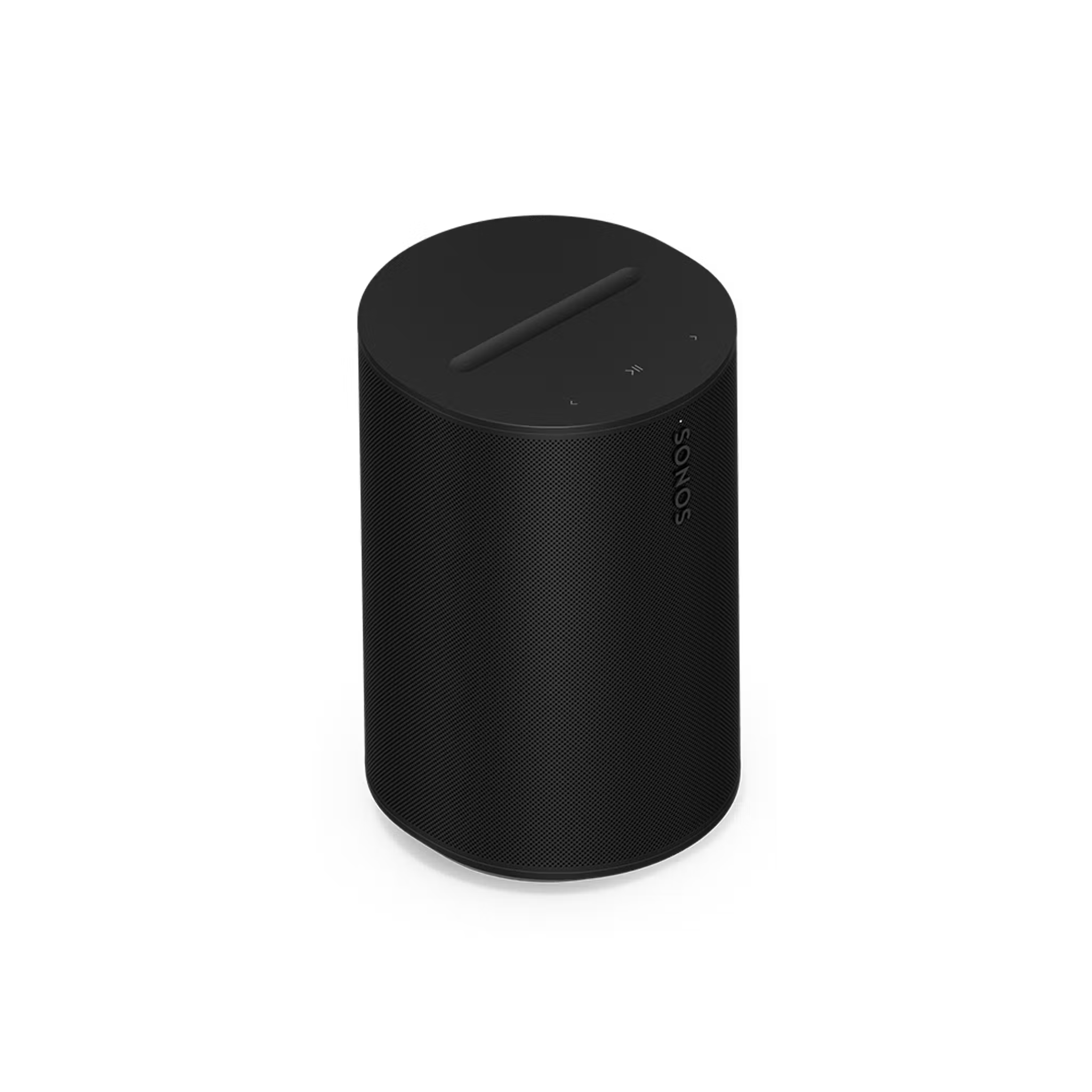
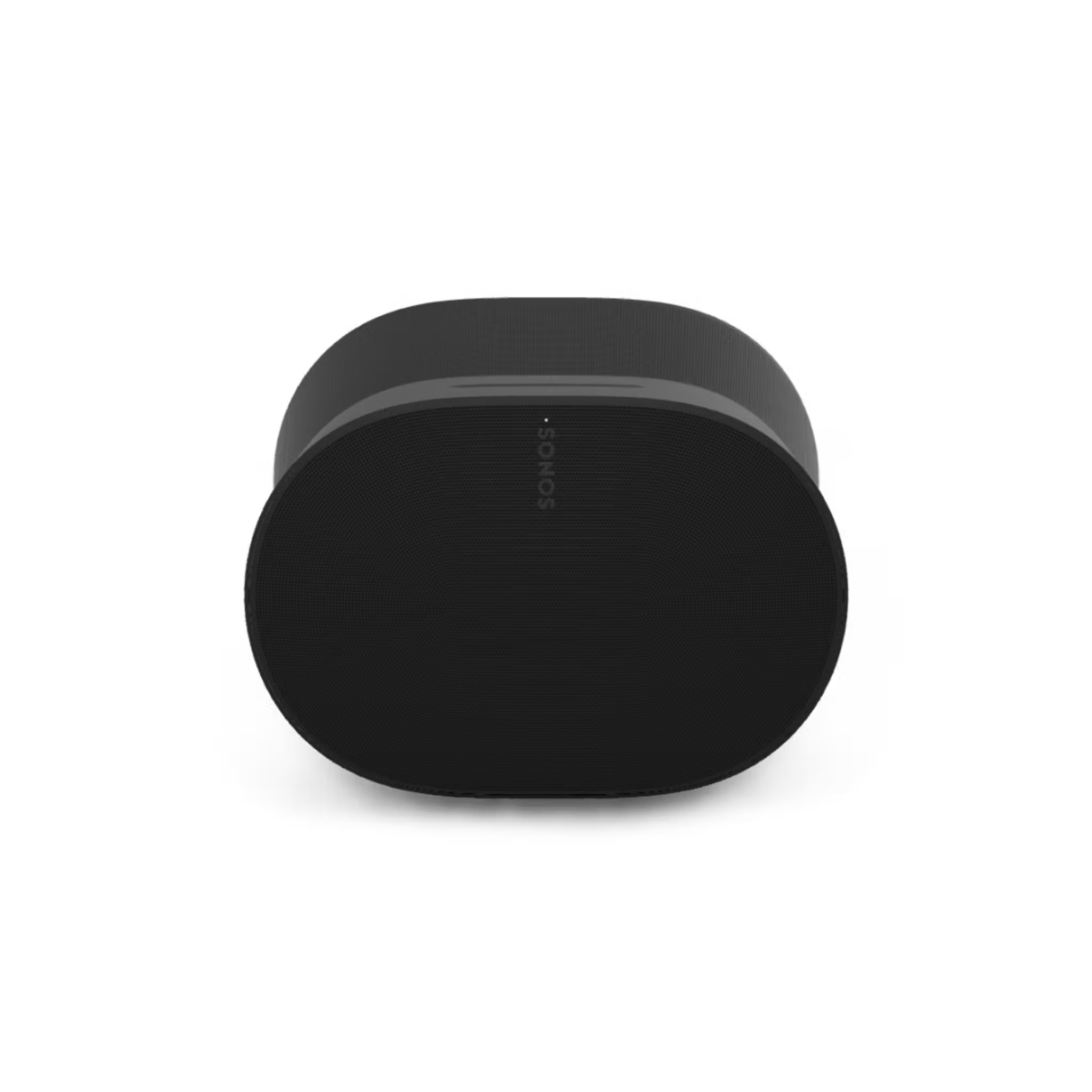
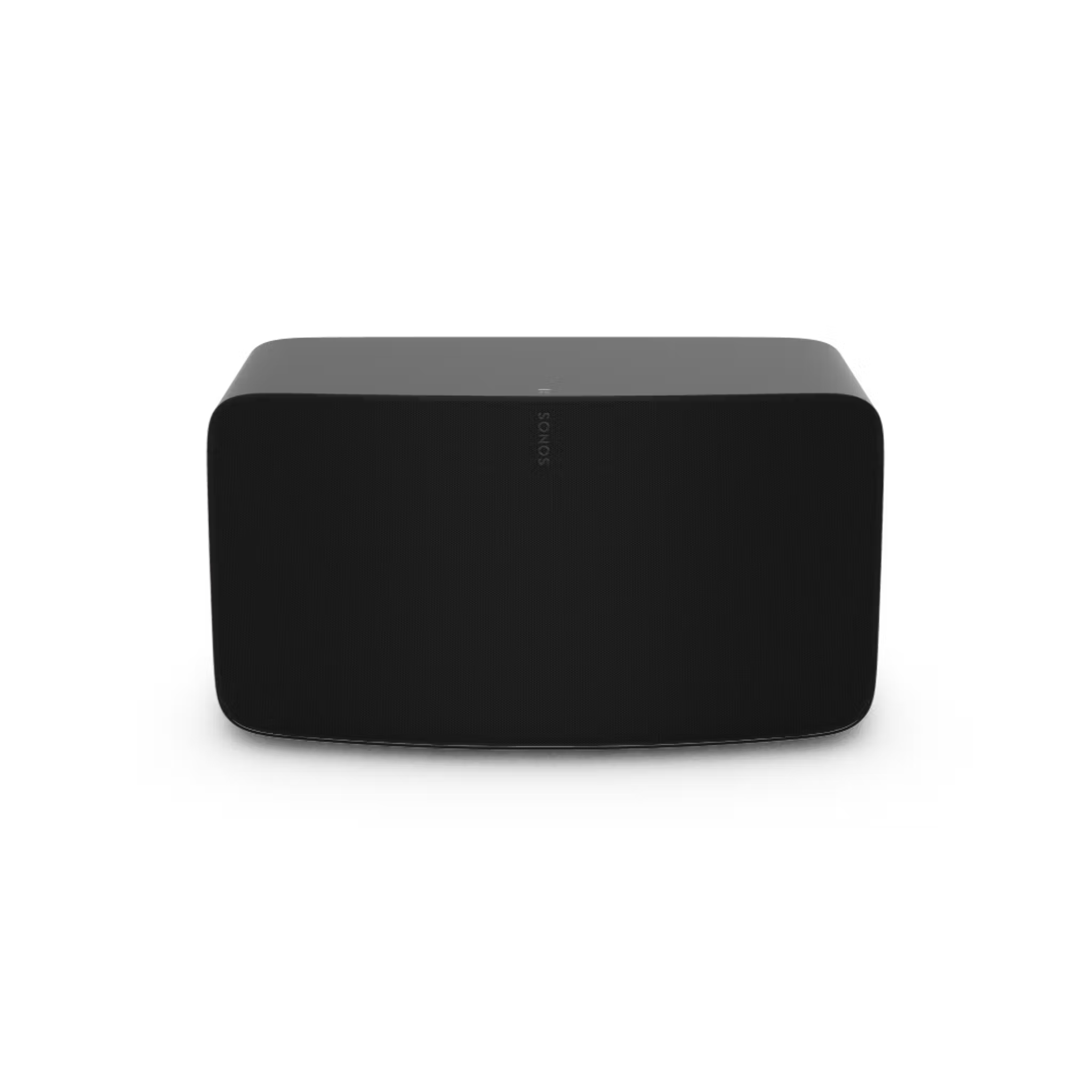
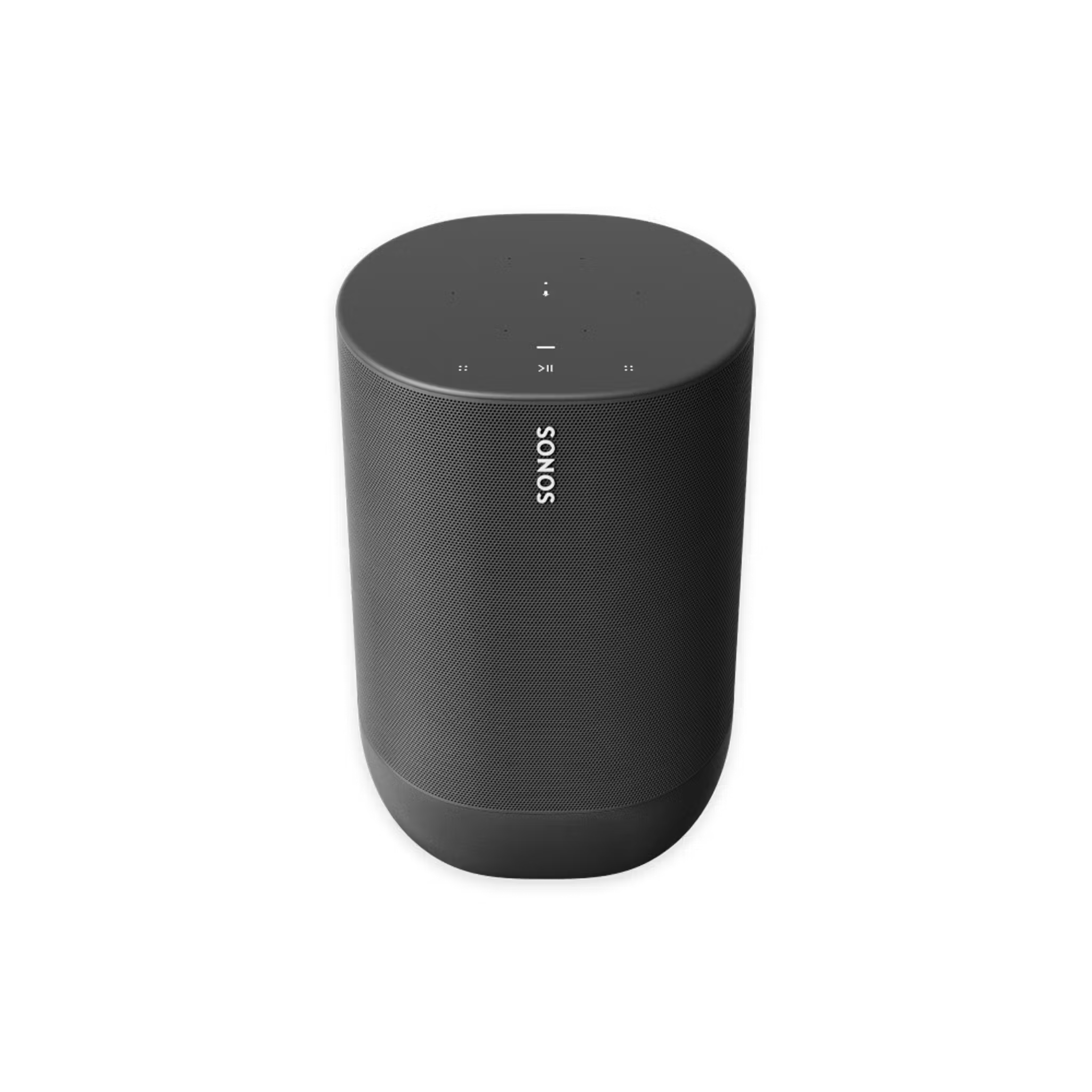
Play line-in
Once you’ve connected a device to the line-in port on your Sonos product, you can start playing line-in audio using the Sonos app.
Sonos app for iOS or Android


- Tap the System tab to open the System view. Choose the room or group that you want to play line-in audio.
- Tap the Home tab. Find the section for Your Sources and select Line-In.
- Select the source device to start playback.


Sonos S1 app

iOS or Android
- In the Rooms tab, select the room or group that you want to play line-in audio.
- Go to the Browse tab and select Line-In.
- Select the source device to start playback.


macOS or Windows
- From the Rooms panel, select the room or group that you want to play line-in audio.
- From the Select a Music Source panel, select Line-In.
- Select the source device to start playback.
Adjust line-in settings and Audio Compression
See our articles on adjusting your line-in settings and Audio Compression to learn how to configure your line-in setup.


