Sonos app for iOS and Android
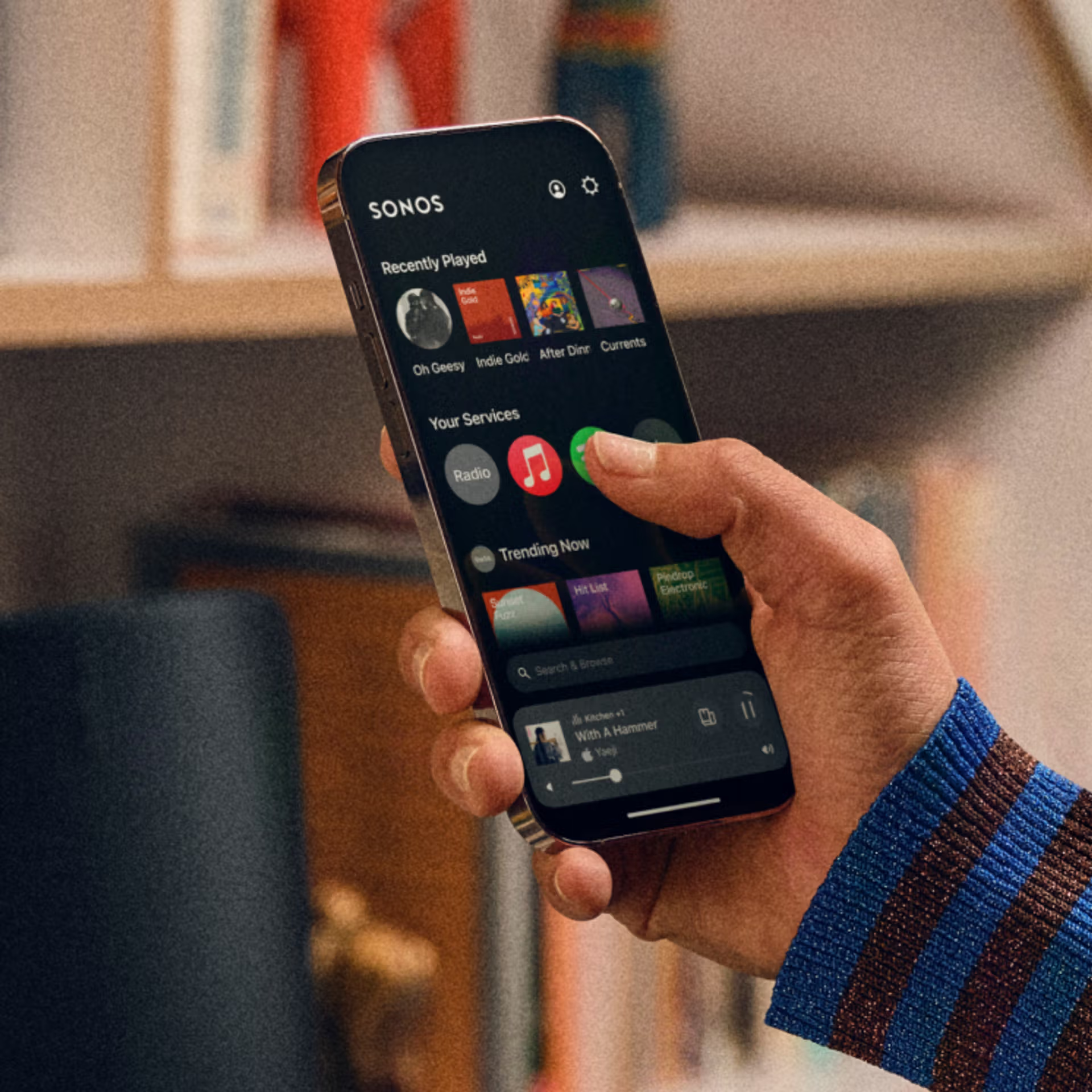
The Sonos app for iOS and Android is your primary Sonos app, giving you complete control over your Sonos system. You’ll use this app to set up your Sonos products, change system settings, and control your system overall.
You can download the Sonos app by searching for “Sonos” in your device’s app store or by following appropriate the link below.
Sonos Web app
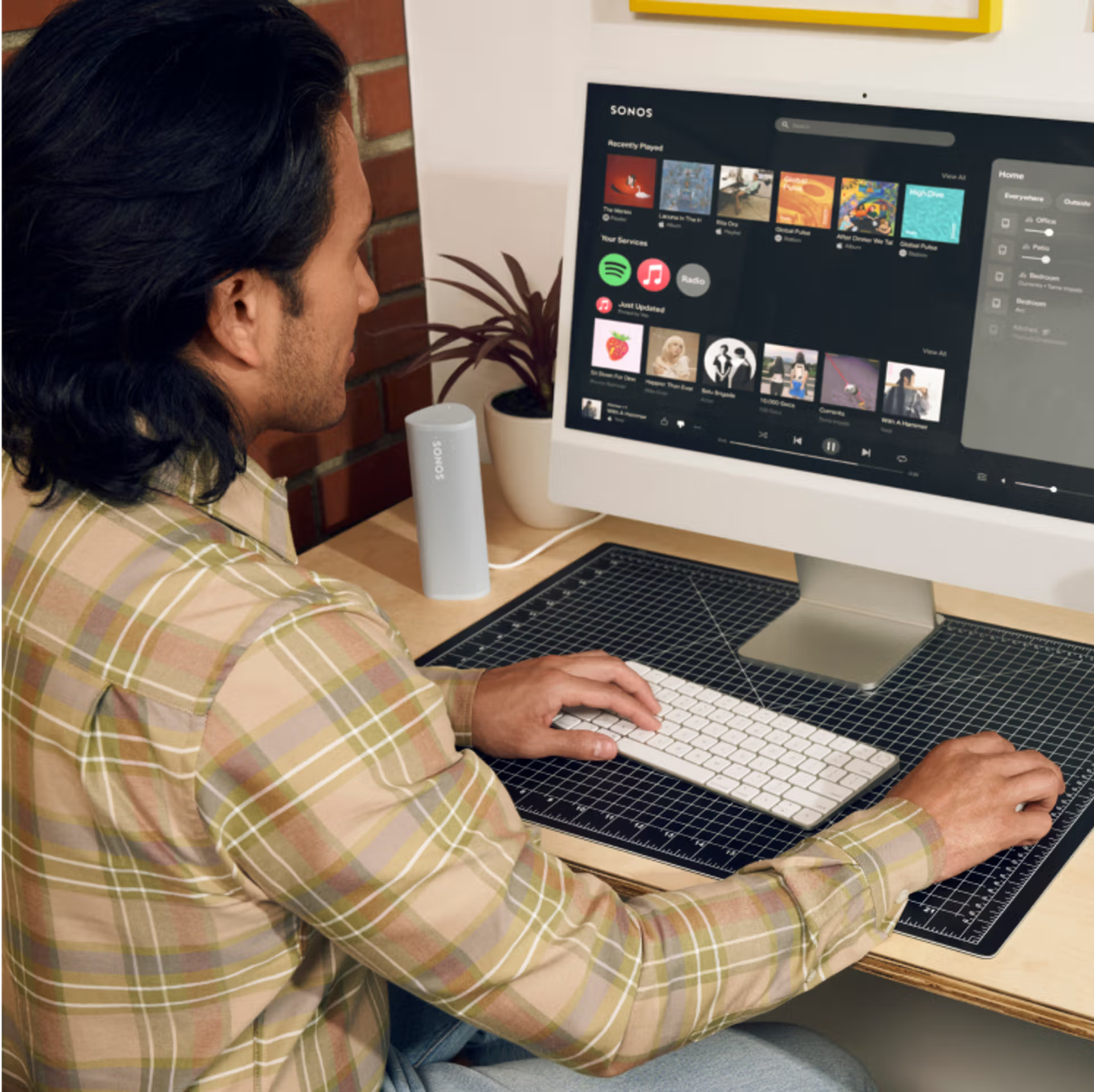
You can use the Sonos Web app to access and control your Sonos system from any supported web browser, even outside your home. The web app provides basic controls for your system, such as starting or stopping audio, grouping products, and choosing content to play.
Other functions, like setting up a product or changing system settings, are not available in the Sonos web app. For full control of your Sonos system, please use the Sonos app for iOS or Android.
Sonos app for macOS and Windows
The Sonos app for macOS and Windows provides basic controls like browsing and playing music, grouping rooms, and managing your music library. Certain system features, such as setting up a new Sonos system or adding new products, are not available. See our article on the features of the Sonos desktop app for more details.
Download the Sonos app for macOS or Windows by visiting our Downloads page below.
Sonos S1 Controller app
The Sonos S1 Controller app is a separate app used to control Sonos systems that contain our earliest products. Some older Sonos products require the use of the S1 Controller app rather than the latest Sonos app for iOS and Android.
You can learn more about the Sonos S1 Controller app in the articles below:
- Sonos app compatibility - Learn about which Sonos products require the S1 Controller app.
- Update your S1 system - Follow the steps in this article to remove older Sonos products from your system and update to the latest app and software version.
Get support
We can help answer questions and solve problems. Chat with a technician or give us a call.


